

Digital Strategy Creation
Working with your team we will help you craft a full release strategy that is unique to your goals and your music, including digital service provider setup, network advertising, Facebook advertising, Twitter advertising, retargeting and incorporation of smart urls.
Consultations
One hour of one on one time over the phone or Skype to discuss your music, online presence and marketing.
Label Liaison
We'll review marketing plans and coordinate marketing efforts with record labels and distributers, across all platforms.
Tour Promotion
Are you looking for assistance with your tour promotion? Are you getting overwhelmed with staying in contact with every venue and promoter? We can manage all day to day aspects of promoting your tour. Interfacing with venues, promoters, media and agents. Implement a tour related social media strategy for each show. Creating and delivering promotional assets.
Content Strategy Creation
"What should I post? I have nothing to post!" Let us create a daily plan of content you can share with your fans. We’ll generate content themes for individual social media platforms to keep content fresh and lively.
Publicity
Let us help you find your “story” and get the word out to the press — blogs, websites, magazines and music taste makers across all genres.
Fan Acquisition
We’ll create and execute a targeted acquisition strategy, geared toward getting new, REAL fans to notice and become engaged with you on Facebook, Twitter and Instagram.
Email Strategy
Direct email marketing is still one of the most effective means of reaching your customers. We can help create a email marketing strategy to launch a email list and a ongoing strategy of contacting your customers. We can stay onboard to help fine tune your campaigns to improve your open rates and click through rates.
Online Management
We can manage all of your day-to-day social media ops. We’ll work directly with your team to keep you and your band active and engaged with fans. We’ll also create a marketing plan deliverable that incorporates all marketing channels - social, email and advertising.
Crowdfunding Strategy
Creating the rewards your fans desire, building a strategy to market your crowdfunding campaign, we can help with all your crowdfunding needs.
Spotify Promotion
Need Spotify promotion? We can submit your tracks to third party playlist curators from many different genres. Strategy to grow your followers.
VIP Programs
Having created the first VIP program in 2003, we will work with you to create a VIP ticket offering that your fans will love. Creating a experience of great value to your fans and a program that you can manage.
Michael Brandvold is a professional marketing consultant
Michael has managed the marketing efforts for bands, musicians, record labels, restaurants, bars, construction companies, lawyers, best-selling authors, magazines, animal conservation, leather repair, non-profit foundations, photographers to name just a few industries.





Success Stories
- DREAM THEATER - YOUTUBE & TWITTER
- ACCEPT - ALBUM & TOUR PROMOTION
- KISS - EMAIL MARKETING
- KISS - TICKETING
- JORDAN RUDESS - CROWDFUNDING
- RYAN SIMS - FACEBOOK VIDEO PROMOTION
- GARY DOUGLAS BAND - FACEBOOK PROMOTION
- GREG KIHN - VIDEO PROMOTION
- JASON JENNINGS - EMAIL MARKETING
 For Dream Theater, while recording their 2013 self-titled release they wanted to stay in touch with the fans but still maintain their solitude while recording I setup a Tweet Q&A campaign. Over the course of two weeks fans submitted 1000’s of questions on Twitter. We selected a range of questions that would afford each band member the opportunity to respond and give the band the chance to prehype the album release and supporting tour. The band recorded a series of 12 videos answering a number of questions in each clip. The video clips generated over 400,000 views.
 In 2014 ACCEPT released BLIND RAGE. Prior to the release I was brought in to manage and build their presence on Facebook, something that had never been a priority in the past. Their total Facebook Page Likes under my direction view by 50% in one year prior to the album release. A content/posting strategy was implemented that turned what was a inactive Page into a Page with daily activity. Coordinating with their record label, Nuclear Blast, a marketing campaign was launched to promote the new album and supporting world tour. The efforts online contributed to the band having their first #1 album in Germany and their highest Billboard Top 200 debut in their career. The supporting world tour saw sold out shows around the world.
 In 2001 KISS released the Box Set. Managing the band’s official website at the time I worked with Universal Music to create a direct email strategy to promote the release directly to the band’s fan base. A focused email plan promoting preorder and then post release sales generated so much sales that our sales partner in the plan, Amazon, created a case study of our success for their other affiliates on how to build a direct email strategy.
 Gene Simmons of KISS first tapped Michael’s skills as a pioneering online marketing strategist to launch and manage all aspects of Kissonline.com’s multi-million dollar enterprise, including their ground-breaking, first of it’s kind VIP ticket program. In 2003 when the VIP program launched that Michael helped craft a tour of 60 dates sold out 25 $1000 VIP packages per show. This success was repeated in 2005 and quickly became the template that other artists hoped to duplicate.
 Jordan Rudess launched a PledgeMusic crowdfunding campaign to raise funds to release both a new solo album and a new smartphone app. The goals were adventurous, but by helping Jordan craft extremely unique awards and the marketing program to support the promotion of the campaign Jordan was able to exceed is goal by 50%!
 Ryan Sims released a music video to support his first single Get Away. Through targeting efforts we were able to push over 100,000 views to the video.
 We managed a Facebook promotion designed to target new fans. Our efforts reduced the cost per Like five fold for a previous campaign the band had ran prior to our involvement.
 To support Rekihndled, his first new album in over 20 years, Greg Kihn released a music video for the lead single Big Pink Flamingos. We put together a unique promotion to debut the new video, harkening back to the classic MTV days. We arranged for original MTV VJ Martha Quinn to “world premiere” the video/single on her iHeart80sRadio show and website.
 New York Time & USA Today Bestselling author and speaker brought us in to ramp up his social media and email marketing efforts. We quickly increased the click through rates in Jason’s weekly emails 2 – 3 times, some as high 8 times. The increased click throughs have lead to increased web traffic and podcast plays.
Recent Podcasts
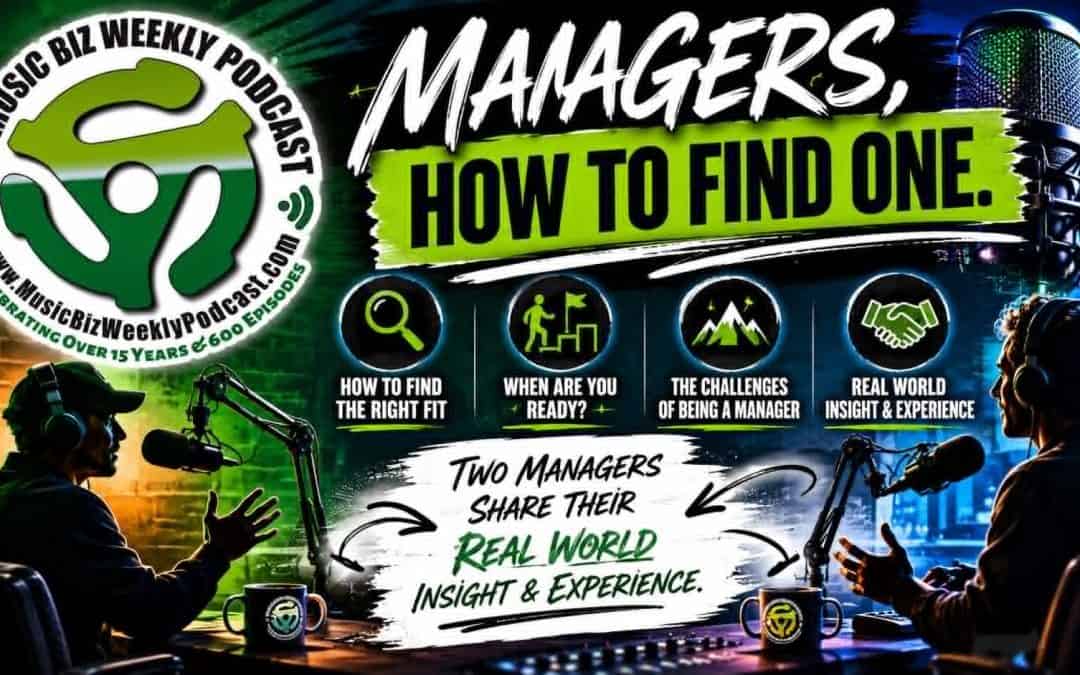
Two Managers Share Their Real World Insight & Experience & Answer How To Find a Manager
So much great insight from these two veterans. Episode 675: Giles Lavery joins Michael and Blasko. Giles wears many hats… singing lead in the bands Alacatrazz and Warlord. A&R for BraveWords Records. Managing the bands Girlschool, Warlord, Raven, Lillian Axe and...
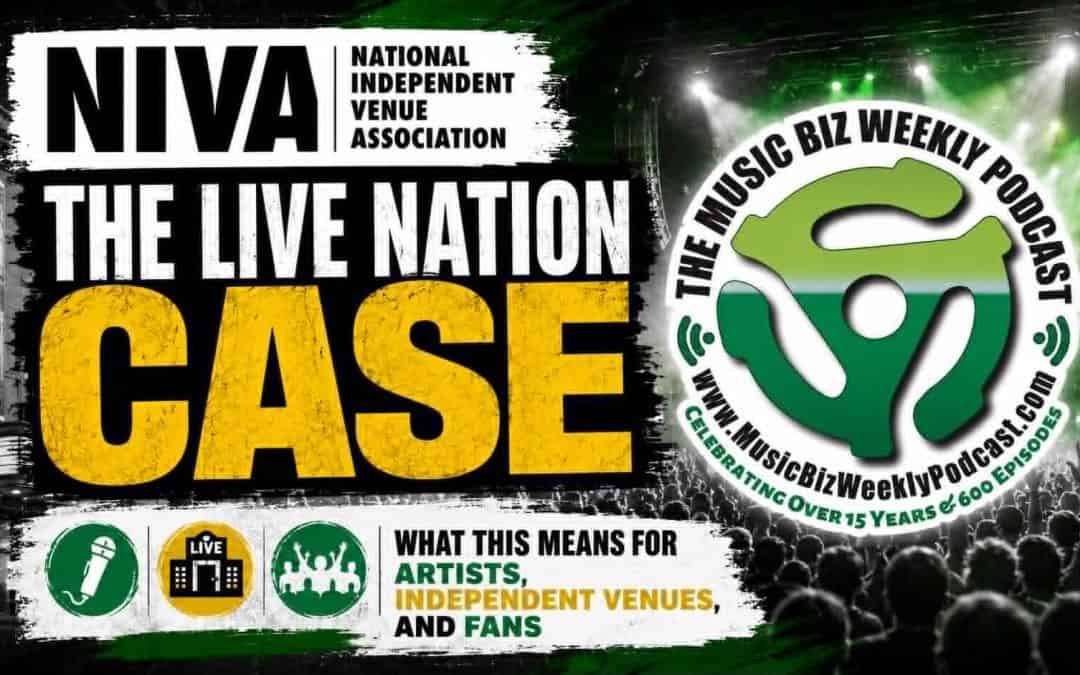
The Live Nation Case – What This Means For Artists, Independent Venus and Fans
Remember it is always about the song. Episode 674: We are joined by Stephen Parker, Executive Director, National Independent Venue Association/NIVA. Stephen joins us ahead of the upcoming judgment, and potential appeal, in the Live Nation case, and the guilty verdict...
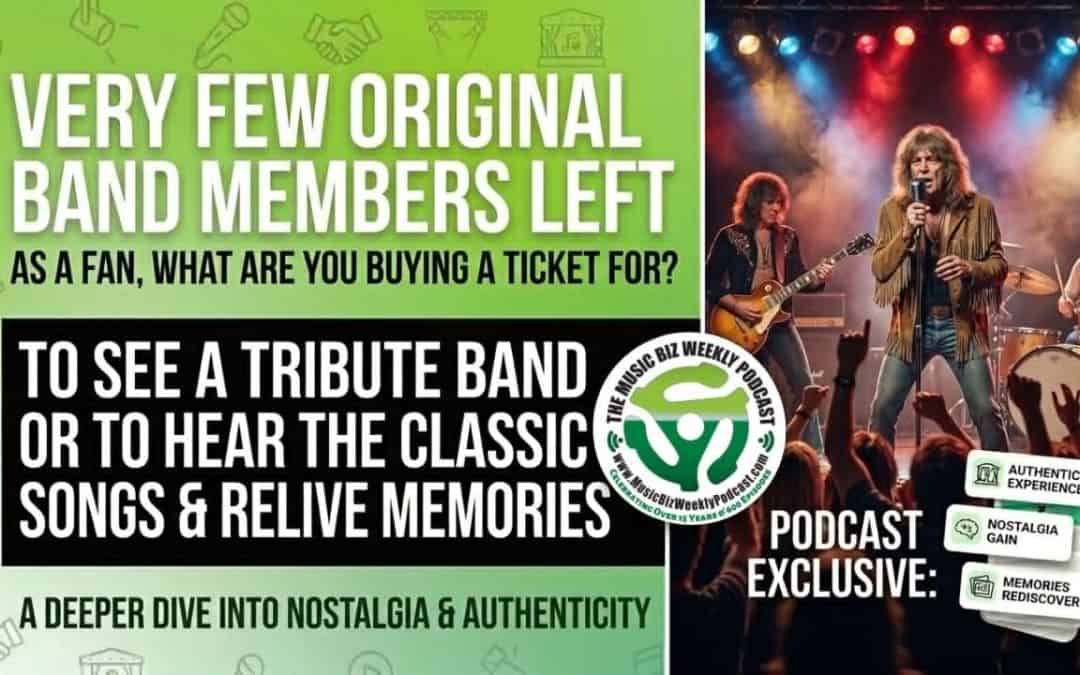
Why Do You Go See Bands with Few Original Members? The Songs and the Memories!
Remember it is always about the song. Episode 673: When bands tour without all original members why do fans go see them? Are they going to see a tribute band? Of course not! It is about the music, the songs, the memories. Remember it is always about the song. The...
From the Blog
Take BraveWords Radio with You Wherever You Go Listen on the Live365 and Tunein Apps
Take BraveWords Radio with You Wherever You Go Listen on the Live365 and Tunein Apps TORONTO, CANADA (March 19, 2024) -- In addition to BraveWordsRadio.com BraveWords Radio is now streaming on the Live365 and TuneIn apps on your Apple and Android smartphone as well as...
Bravewords Radio Now Available on The CMS Network App for Your Smartphone
Bravewords Radio Now Available on The CMS Network App for Your Smartphone TORONTO, CANADA (September 21, 2023) -- BraveWords Radio is now available on The CMS Network app on your Apple and Android smartphone. Take BraveWords Radio with you wherever you go. Download...

Bravewords Radio Relaunches with Over 4500 Songs and 1100 Artists, Real Metal Radio!
Bravewords Radio Relaunches with Over 4500 Songs and 1100 Artists, Real Metal Radio! TORONTO, CANADA (August 15, 2023) -- BraveWords.com announces the relaunch of BraveWords Radio at www.BraveWordsRadio.com. The NEW radio station is available worldwide and can be...
Testimonials
Michael Brandvold has the superior workmanship over any person in the music business with his knowledge and strong work ethics to provide his artists the best service. Perris Records sales skyrocketed in 2023 with the best numbers in 15 years with the help of Michael's promotional skills
Facebook got a real shot in the arm - because of you! Got to say that! Because of you!!!
Michael has always been available and extremely helpful to me in my step back into the musical arena. His hard work and advice have been instrumental in many opportunities they are coming my way.
You guys have been killing it on your end.
I’ve worked with Michael for the past twelve months and the experience has been a great one! In the time since he’s taken over my social media and web site, the traffic to the site has doubled and in June 2018 we’ve hit an all-time high! He’s dedicated, conscientious, on time and available and ever ready with suggestions for increasing web traffic. What I love the most are the weekly reports which shows you everything you need to know about how your social media and website are performing. During the ten years I spent with my former webmaster-social media guy, everything was a big mystery, he spoke gobbledygook and getting things done was like having a root canal without anesthesia! Michael has been a pleasure!
...he has been an amazing asset to the team \m/!
I am very grateful to have you in my corner Micheal.
You are a powerful and attractive man.
We got there because we have some amazing people that prop us up, inspire us, and bless us with their talent, energies and most priceless, their friendship! What they all have in common is their passion for music and talent to bring music to others.
Michael's efforts in pushing original KISS guitarist Ace Frehley's Anomaly pre-release sales was definitely part of the reason the album debuted at #27 on the Billboard 200 charts. He did a great marketing push on the album and was a big help.
Michael Brandvold did a great job at our conference, weaving in his experience with KISS to help our audience get a grasp on key marketing tenets. Michael expertly mixed humor, true stories, and solid principals to connect the dots. I had several attendees approach me afterwards with kudos for his presentation.
Dude you are so awesome!
I have run into a few stellar people. You are among them.
Really enjoyed your presentation.
You became such a great link in the chain and so dear to me! I guess we are a great team and I enjoy working with you!!!!! YOUR PART OF OUR SUCCESS IS NOT A SMALL ONE! To have a web and facebook presence like WE have since you are with me, is - one of a kind!!!
Thank you, Michael, for your contribution. Your knowledge and expertise were invaluable and contributed to the overall success of the seminar.
Wow. What a great experience working with you for the first time. I am blown away. Michael you truly kick ass. Thanks for being so awesome. I will be back !!
I have never had anyone pay such attention to
Michael is one of those rare individuals who you can always count on. When anyone in our organization needs something of a marketing nature, Michael is on it — no matter what time of the night or day it is (which is important, given that’s how rock and roll runs). We can always rely on Michael to be honest, straightforward, and thorough. Whether he gets assigned something or does it on his own initiative, we get results. We appreciate Michael’s loyalty and dedication to his job. He’s definitely a team player. Any Band, or organization which employs Michael has made a great choice and they will not be sorry.
Michael Brandvold, is the best publicist in the business! He has valuable industry contacts that will take any artist or band to the next level! Babylon A.D. is grateful for Michael’s expertise and is very impressed with the results of his efforts.
Michael was great to work with to get a digital marketing strategy off the ground for a new artist. Michael adjusted marketing plans appropriately to meet needs based on career trajectory and focused on teaching skills that will be useful for years to come. While working with Michael socials and email lists grew tremendously. We look forward to working with him again in the future.
I have just launched a state of art , live concert / production facility in Santa Rosa, California . The venue, House of Rock ,was opened in October of 2016. After many openings as a consultant and owner in other parts of the US and abroad, I'd wished that Michael Brandvold would have been involved with me in my previous endeavors. His attention to the fine points of the operation was and is incomparable . Michael's expertise in Social Media, Secular Marketing, Web Design, All Tech requirements and issues pertaining to ticketing, venue promotions, facilitating all House of Rock performing artists interviews with area radio and print, while corresponding with the artists publicity department, utilizing all free advertising sources and etc. When involved in a turn key of a major venue, things sometimes slip through the cracks. Working with Michael, all the cracks were sealed. It was a productive and fruitful experience working with him.
Love the job you are doing for our social media. Really really really amazing!
Thank you so much for helping us with the launch! Your info and support have been awesome. You rock! Couldn't have launched it without you.
Michael's experience over the years work with artist websites, fan communities and online stores is a perfect fit for all my expanding online activities.
(You) have gone far and beyond the call of duty and have done a great job managing the media tsunami.
I¹d like to take the time to thank you for your words of wisdom as a 2011 Conclave Faculty member. You may or may not ever know how much your words impacted the hopes and dreams of your students. But be assured that by teaching them, you made our industry exponentially better for the benefit of everyone within it.
I have seen Michael speak -- he's nothing short of awesome.
You rocked it and I am very grateful for the chance to work together.
Nice work on the socials. Everyday I see something new on Facebook about the Band. The video premiere, tour announcement, Octane premiere, album release announcement. Great work on Fan engagement.
I have benefitted from and appreciated your wisdom and guidance. I have avoided a lot of landmines.
It was a pleasure to work with you on Dream Theater. I’m especially proud of the work we did together on their last album.
Michael Brandvold, our Digital Marketing Manager, making big things happen for us this year. Stuff that other people in the entertainment business can't do, Mike B accomplishes with ease because everyone knows him and respects him.
Michael awesome job with keeping up the postings, always feeding out new little tidbits even in a “dry” week, I love the reviews, and how you keep us up front and center... GREAT WORK MICHAEL!
Michael was great to work with to get a digital marketing strategy off the ground for a new artist. Michael adjusted marketing plans appropriately to meet needs based on career trajectory and focused on teaching skills that will be useful for years to come. While working with Michael socials and email lists grew tremendously. We look forward to working with him again in the future
Your approach to learning and marketing is really amazing and your skillset/knowledge obviously runs incredibly deep
When you hire Michael you get a real Social Media expert! Micheal has great work ethic and really pays attention to detail. We used him to help launch Puddle of Mudd’s new record and get all their social networks up to speed. He’s fantastic and I look forward to working with him again.
We honestly couldn't have reached that goal without you.
Thank you for coming to Oslo. We appreciated your talk very much, and I think your "marketing-lessons-learnt-from-KISS"-stuff is actually very useful. Many companies would do well to find their inner superstars!
We both feel that you have been doing such an amazing job and we are really grateful for your help!
We are very excited to have Michael Brandvold Marketing on our team to help us guide our online marketing efforts. We know Michael is on the forefront of social media music marketing.
...it was a success and appreciate all of your help in spreading the word! the turnout was really strong.
We're SO thankful for the amazing knowledge you are passing on to our students! Thank you for sharing you time and talents with us!!
A heartfelt thank you for all you did to create, produce, design and promote "Daybreak".
The horn give away is a brilliant idea of yours!! It's generating lot's of interest and it just started out exactly what it's intended purpose is. Great idea Michael-you're the man.
Great job you've done in helping get this buzz going for me and now the Killer Dwarfs. You are an integral part of our team.
You've done an awesome job at building this up for the release date. Great job!!! Thanks so much brother!
Michael Brandvold is that rare breed: a true social media and marketing/PR expert. His hands on experience and real-life experience getting attention for his clients translates into a dynamic and practical presentation. He works, and so does his advice.
Just wanted to say what a phenomenal job Mike Brandvold has been doing. Although Twitter needs a college course of its own, Mike is bringing me up to speed on it and has the Twitter world "tweeting" consistently about Cheyenne... as it should be! Just wanted to give credit where it's due.
It is a pleasure to work with someone that actually knows what they are doing. We have had such a bad experience with various social media ‘experts’ in the past that we were skeptical of any value that Mike could add. Today was a very pleasant surprise!
I would like to thank Mr. Brandvold for working his magic.
Michael is efficient, experienced, and always does exactly what I ask of him. He is willing to do research if necessary, make contacts, come up with strategies and ideas, and is easy to communicate with. I was able to trust that he kept my social media upkeep done, and I appreciate his effort and the time we spent working together.
Michael is efficient, experienced, and always does exactly what I ask of him. He is willing to do research if necessary, make contacts, come up with strategies and ideas, and is easy to communicate with. I was able to trust that he kept my social media upkeep done, and I appreciate his effort and the time we spent working together.
A pioneer of Digital Marketing Strategy and an industry thought leader on music merchandising and branding, Michael’s podcast is required listening for our music industry majors.